Android vs iPhone: How to Choose the Right Smartphone
Android or iPhone...?
The endless debate continues.
I’ll buy an iPhone after saving for a while...
Android looks more customizable though…
iPhone’s ecosystem is seamless… but costly.
So, which one should you choose?
With so many options available, choosing between Android and iPhone becomes a modern dilemma for most users.
Even tech enthusiasts get caught in this never-ending comparison.
Smartphone Dilemma:
The endless debate continues.
I’ll buy an iPhone after saving for a while...
Android looks more customizable though…
iPhone’s ecosystem is seamless… but costly.
So, which one should you choose?
With so many options available, choosing between Android and iPhone becomes a modern dilemma for most users.
Even tech enthusiasts get caught in this never-ending comparison.
Smartphone Dilemma:
- Android offers variety, iPhone offers consistency — but which suits your lifestyle?
- Budget vs Ecosystem: Android fits all pockets, iPhone fits those who want tight integration.
- Freedom vs Security: Android gives you flexibility, iPhone gives you controlled simplicity.
- Both evolve rapidly — are we ready to keep up with upgrades and expenses?
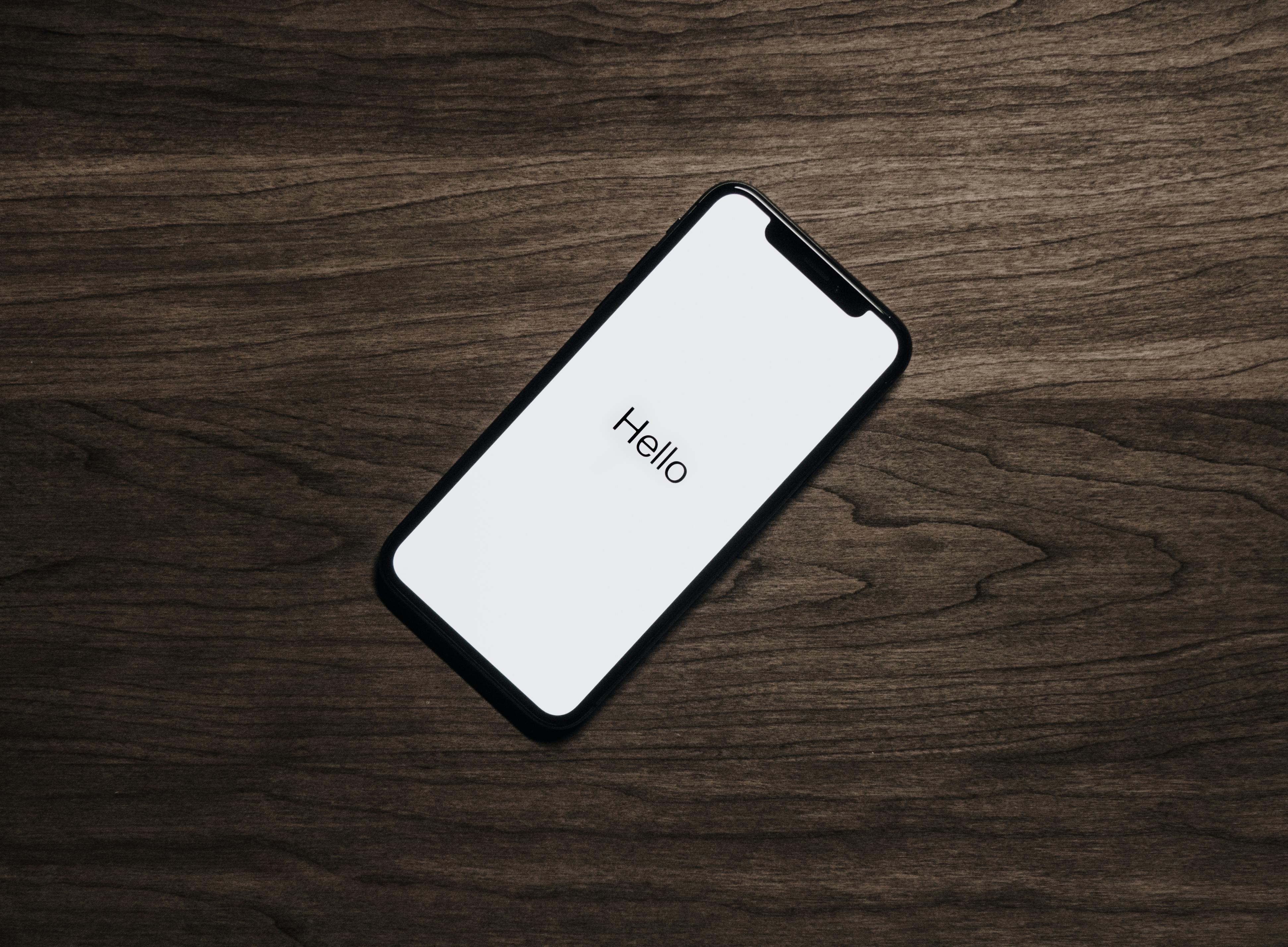
Understanding the Android vs iPhone Choice
Dimension creator may not be different from you when choosing between Android and iPhone.Selecting a smartphone / Balancing priorities / Picking the right device is not just about specs — it’s about your daily flow and digital habits.
How people decide what’s best for them?
Some love Android’s openness and app variety. Others stick to iPhone for
privacy, stability, and seamless Apple integration.
The key is — understand what matters most to you.
The key is — understand what matters most to you.
Quick Comparison Guide: Android vs iPhone 2025
Before purchasing, think of your budget, daily usage, and what features actually make your life easier. Here’s a brief checklist to simplify decision-making:
To Consider:- If customization, value for money, and variety matter — choose Android.
- If privacy, smooth experience, and ecosystem integration matter — choose iPhone.
- Always check long-term software support and resale value.
- Remember, the “best phone” is the one that works best for you.
Final Verdict
Both Android and iPhone deliver outstanding experiences — your decision should reflect your personality, ecosystem preference, and budget. Whether you go for a Google Pixel or the latest iPhone, make sure it enhances your digital lifestyle.
---- ** ---- ** ---- ** ----- ** ---- ** ---- ** ---- ** ---- ** -----
** ----